Where the file lives
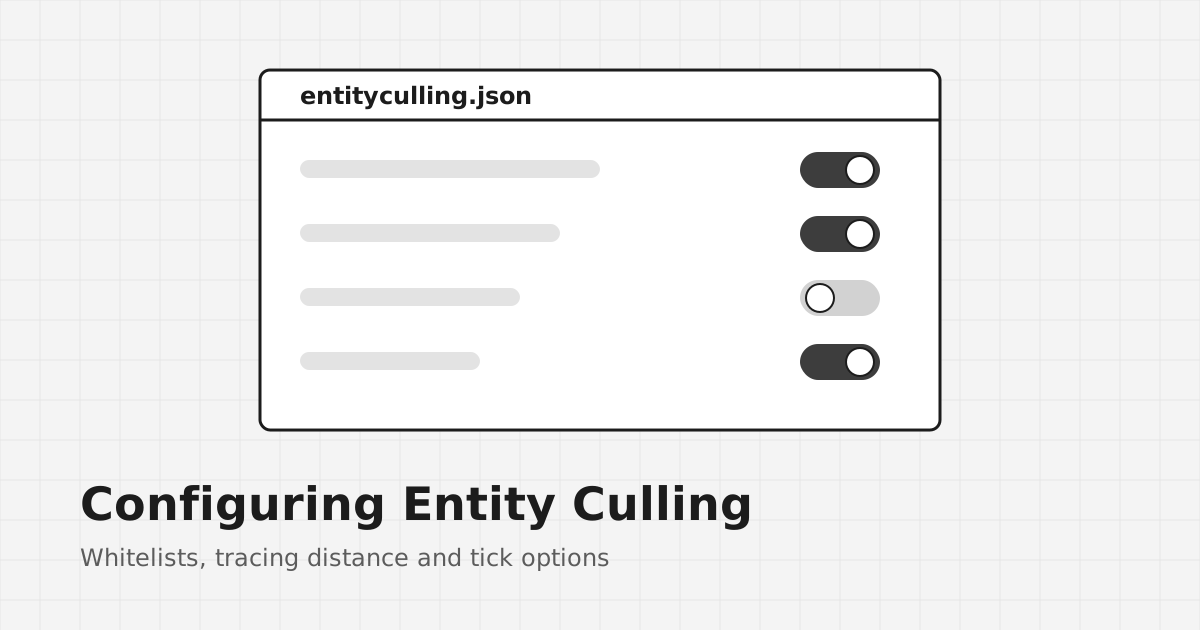
After you launch the game once with the mod installed, a config file appears in the config folder of your game directory. It is typically called entityculling.json. Close the game before editing, and keep a copy of the original so you can undo changes.
The block entity whitelist
Some block entities draw visuals that extend well beyond their own block. A beacon beam is the classic example. If culling hid the beacon block, the beam would vanish too. The whitelist lists block entities that should never be culled.
Adding an entry
Whitelist entries use namespaced IDs, the same format you see in commands, such as minecraft:beacon for vanilla blocks or modid:block_name for modded ones. Add the ID as a new string in the list, keeping the JSON commas and quotes valid.
Entity whitelists
Similar lists can exist for entities. Use them when a modded entity with oversized visuals disappears behind walls while part of it should still be visible.
Other options you may see
Option names differ between versions, so read the file itself rather than copying lines from older guides. Depending on your build, you may find settings for:
- how far visibility tracing reaches,
- whether hidden entities also skip some client-side ticking,
- debug output.
Change one option at a time, then test in the same spot so you know which change had which effect.
If the game fails to start after editing
A missing comma or quote makes JSON invalid. Restore your backup, or delete the file so the mod creates a fresh default on next launch. The troubleshooting guide lists other causes of startup problems.