What this site can and cannot confirm
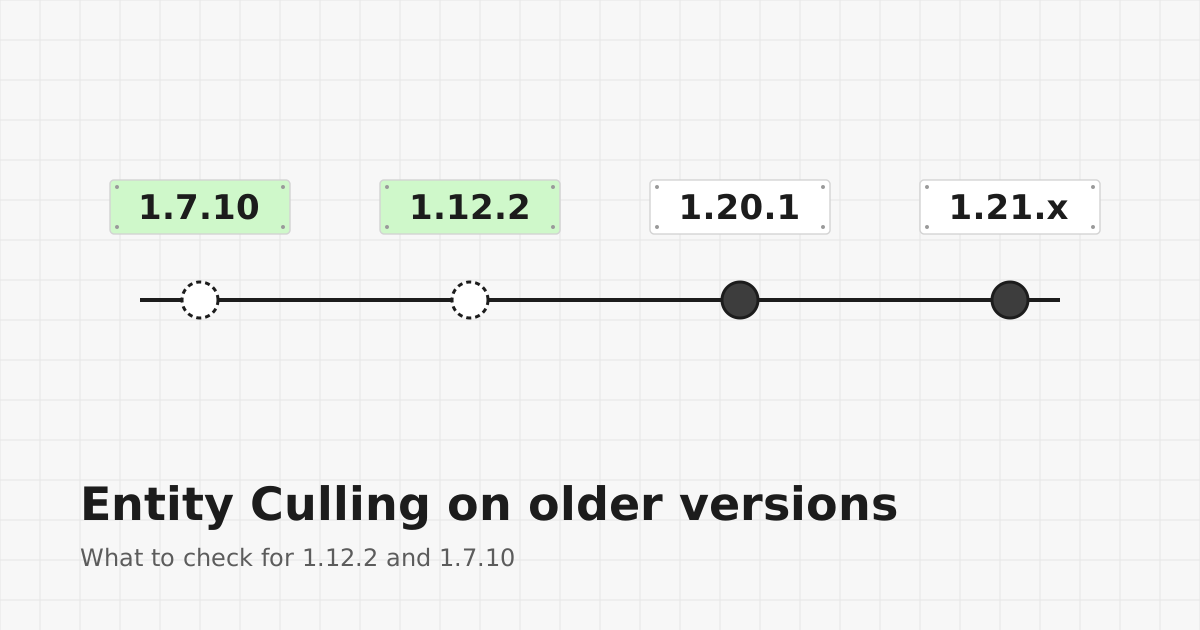
Entity Culling's active development focuses on current Minecraft versions. This site does not confirm builds for 1.7.10 or 1.12.2. The reliable way to check is the project's own file listings and repository history.
If the project's listings show no build for your version, then there is no official Entity Culling file for it.
Why old versions are harder to support
Minecraft's rendering code changed a great deal between 1.7.10, 1.12.2 and modern releases. A mod that hooks into rendering needs separate work for each era, and older loaders use different tooling. That is why support for old versions cannot be taken for granted.
Watch out for rehosted files
Old-version mods are frequently rehosted on unrelated download sites. A file named "Entity Culling 1.7.10" on such a site may be mislabeled, modified or unsafe. Only use files you can trace back to the project itself.
Options on classic versions
- Check whether your modpack already includes a rendering optimization mod made for that version.
- Reduce render distance and particle settings.
- Lower the number of visible entities around your base, for example by moving large farms farther away.
Moving to a newer version
If performance is the main concern and your mods allow it, newer versions have more choices of maintained performance mods. The 1.20.1 modpack guide and the 1.21 version guide cover the modern side.