Before you start
Entity Culling is a client-side Minecraft: Java Edition mod. You need three things that agree with each other:
- A Minecraft Java version, for example 1.21.10 or 1.20.1.
- A mod loader for that version: Fabric, Forge or NeoForge.
- An Entity Culling build that names both that game version and that loader.
If one of these three does not match, the loader will usually refuse to start or show a dependency error. Forge users have a separate walkthrough.
Installing on Fabric
- Install the Fabric loader for your game version using the Fabric installer.
- Launch the new Fabric profile once, then close the game. This creates the mods folder.
- Check whether your Entity Culling build lists Fabric API as a dependency. If it does, add the matching Fabric API jar too.
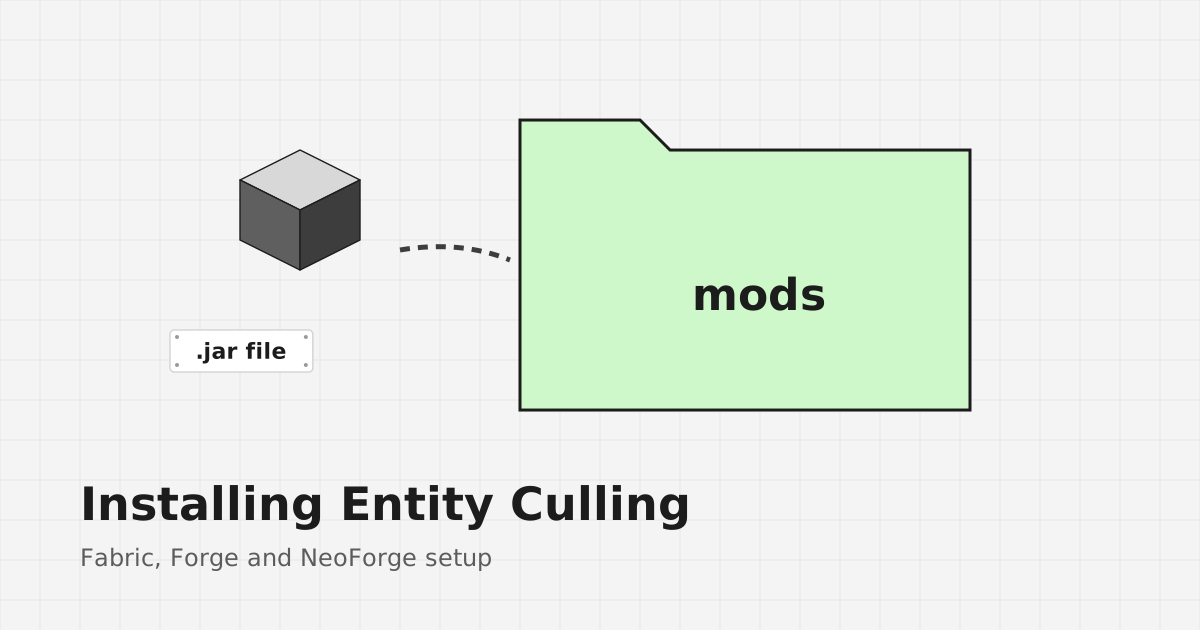
- Copy the Entity Culling jar into the mods folder.
- Start the game with the Fabric profile.
Installing on NeoForge
NeoForge works the same way with its own installer. Run the installer for your exact game version, start the NeoForge profile once, then place the NeoForge build of Entity Culling in the mods folder. Do not mix Fabric and NeoForge jars in one profile.
What about the ZIP from this site?
The download button on the homepage fetches the main branch source archive from the tr7zw/EntityCulling repository on GitHub. It contains code, not a jar you can drop into the mods folder.
Building from the source archive
If you want to build it yourself, extract the archive and read the repository's build files first. The project uses Gradle. You will need a Java Development Kit version that the build expects, and the resulting jars appear in the build output folders. The main branch reflects current development, so it may target a newer game version than the one you play.
If you only want to play, a compiled release for your version is the simpler route.
Checking that it works
Open a world near something that hides entities, such as a room full of chests behind a wall. The game should run as normal with no visible difference in what you can see. Some versions report culling information on the F3 debug screen. If the game crashes, read the troubleshooting guide.
Next steps
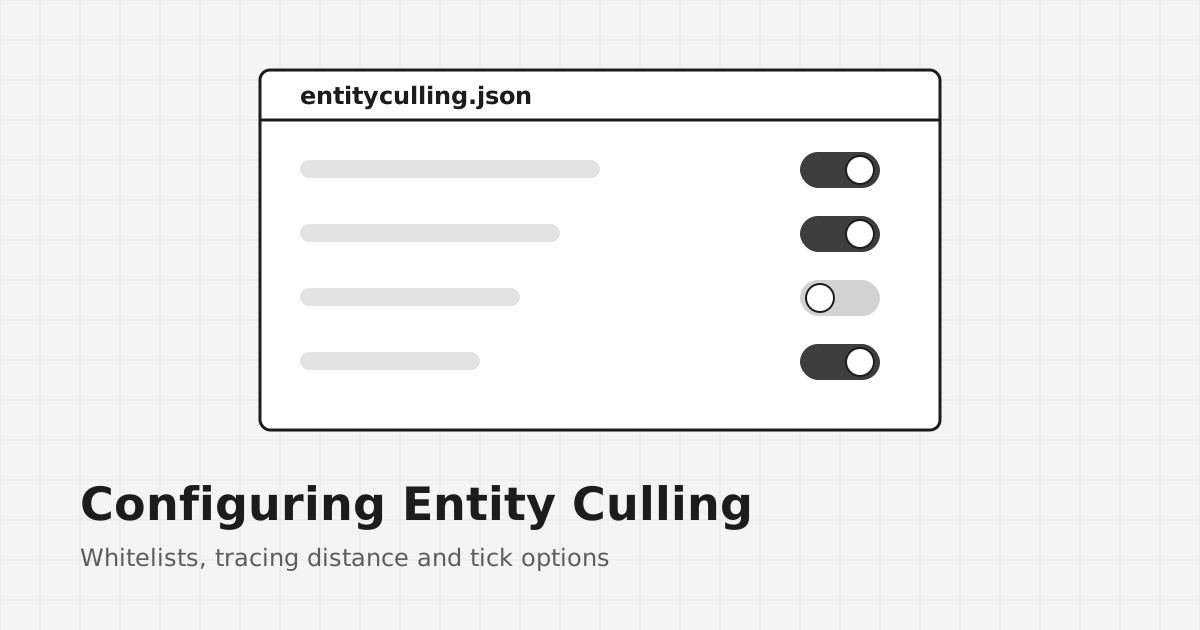
Once it runs, you can tune it in the config file. The configuration guide explains the whitelist and other options.