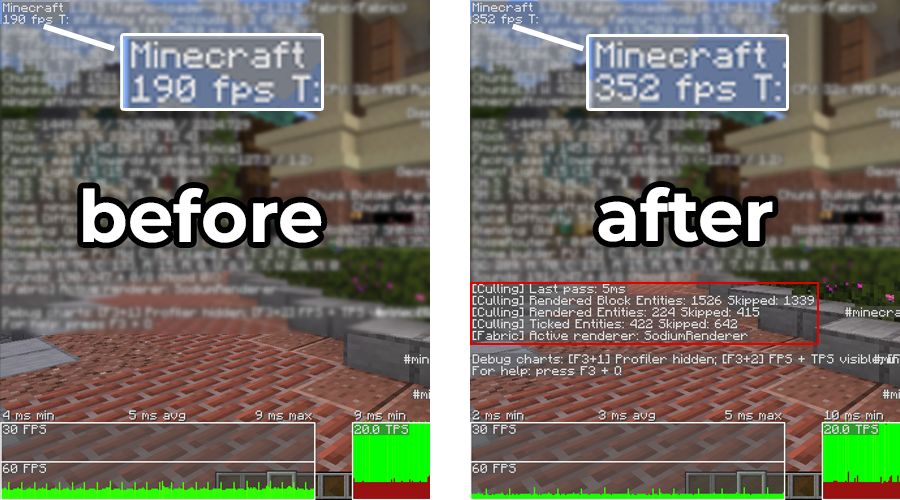
Version support, archived builds and what to verify before using older Minecraft releases. This guide focuses on practical checks you can apply without assuming that every Minecraft version or loader behaves the same way.
Treat 1.20.1 as an older target
Minecraft 1.20.1 remains common in modpacks, but it is not the same release line as current 1.21.x builds. Use an archived release specifically marked for 1.20.1.
Do not install a current jar blindly
A newer jar may target different mappings, loader versions or Java requirements. Version labels are part of compatibility, not just filenames.
Check the loader ecosystem
Confirm whether the pack is Fabric or Forge and whether the desired EntityCulling release supports that combination.
Freeze a working instance
Once a stable set of versions works, record the mod and loader versions before changing them. This gives you a known-good baseline for future troubleshooting.
Recommended next step
Verify your exact Minecraft version and loader before installing anything. If you are troubleshooting, change one variable at a time and keep a backup of the working instance.