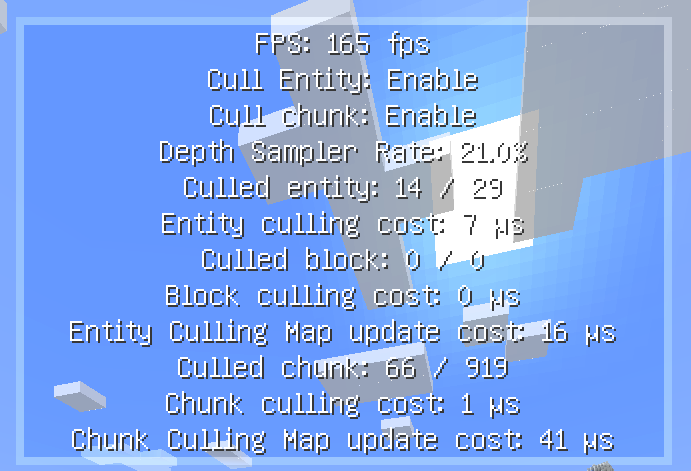
Common causes of pop-in, missing visuals, loader mismatch and conflicts—and how to isolate them. This guide focuses on practical checks you can apply without assuming that every Minecraft version or loader behaves the same way.
Crash on startup
Confirm the exact game version, loader, mod version and required dependencies. Remove duplicate jars and test without unrelated new additions.
Invisible or flickering objects
Special renderers may extend beyond normal bounds or rely on unusual client behavior. Add the affected entity or block entity to the appropriate whitelist.
Performance is unchanged
Test the same scene. If most entities are already visible or the system is CPU-limited elsewhere, culling may not be the deciding factor.
Conflict isolation
Create a copy of the instance, keep EntityCulling and essential dependencies, then add other rendering mods back in groups until the problem returns.
Recommended next step
Verify your exact Minecraft version and loader before installing anything. If you are troubleshooting, change one variable at a time and keep a backup of the working instance.